
🎉 I'm excited to share some milestones! SecureFlow and Code Pathfinder hit 307 monthly active users and 64 weekly active users, starting from zero just halfway through 2025. I'm incredibly grateful to everyone using it, and can't wait to see where we go in 2026. 🎉
Speaking of growth, one of the most common feedback I've received is "Can you add support for model X?" And honestly, managing API keys for Claude, GPT, Gemini, and a dozen other providers was getting messy. So I added OpenRouter support.
What's OpenRouter?
Think of it as a universal API gateway for AI models. Instead of juggling multiple API keys, you get one key that works with 200+ models from every major provider: Anthropic, OpenAI, Google, Meta, xAI, Mistral, you name it.
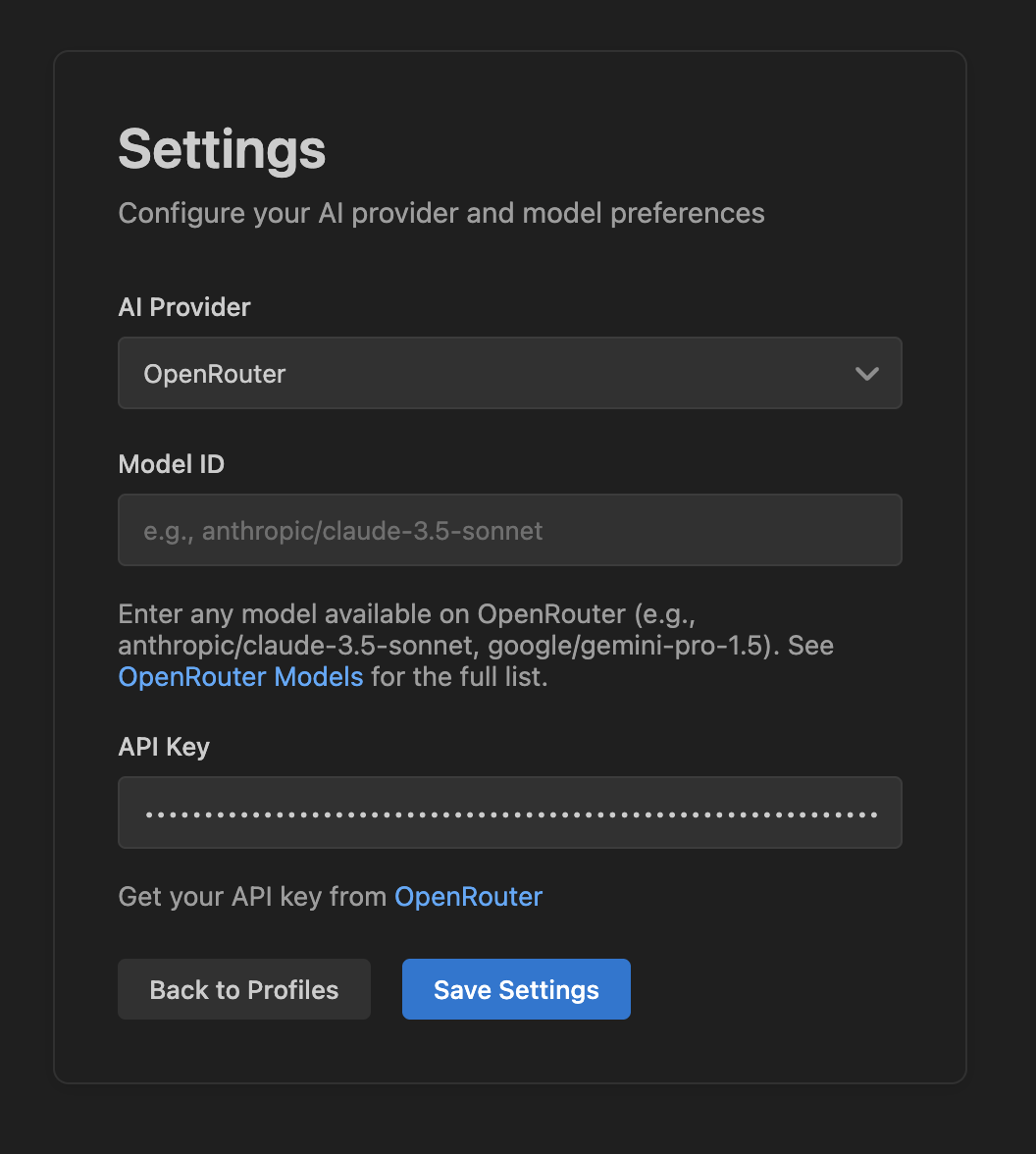
Now you can switch from Claude to DeepSeek to Llama in seconds, all with the same API key. No more copying and pasting keys between different provider dashboards.
Why This Matters for Security Analysis
Different models excel at different things. Some are better at finding SQL injection patterns, others shine at detecting authentication flaws. With OpenRouter, you can:
- Try DeepSeek V3.2 for complex reasoning about authentication flows
- Use Qwen3 Coder for analyzing code patterns
- Switch to GPT-5.2 for comprehensive security reviews
- Fall back to cheaper models for quick sanity checks
All without changing your setup.
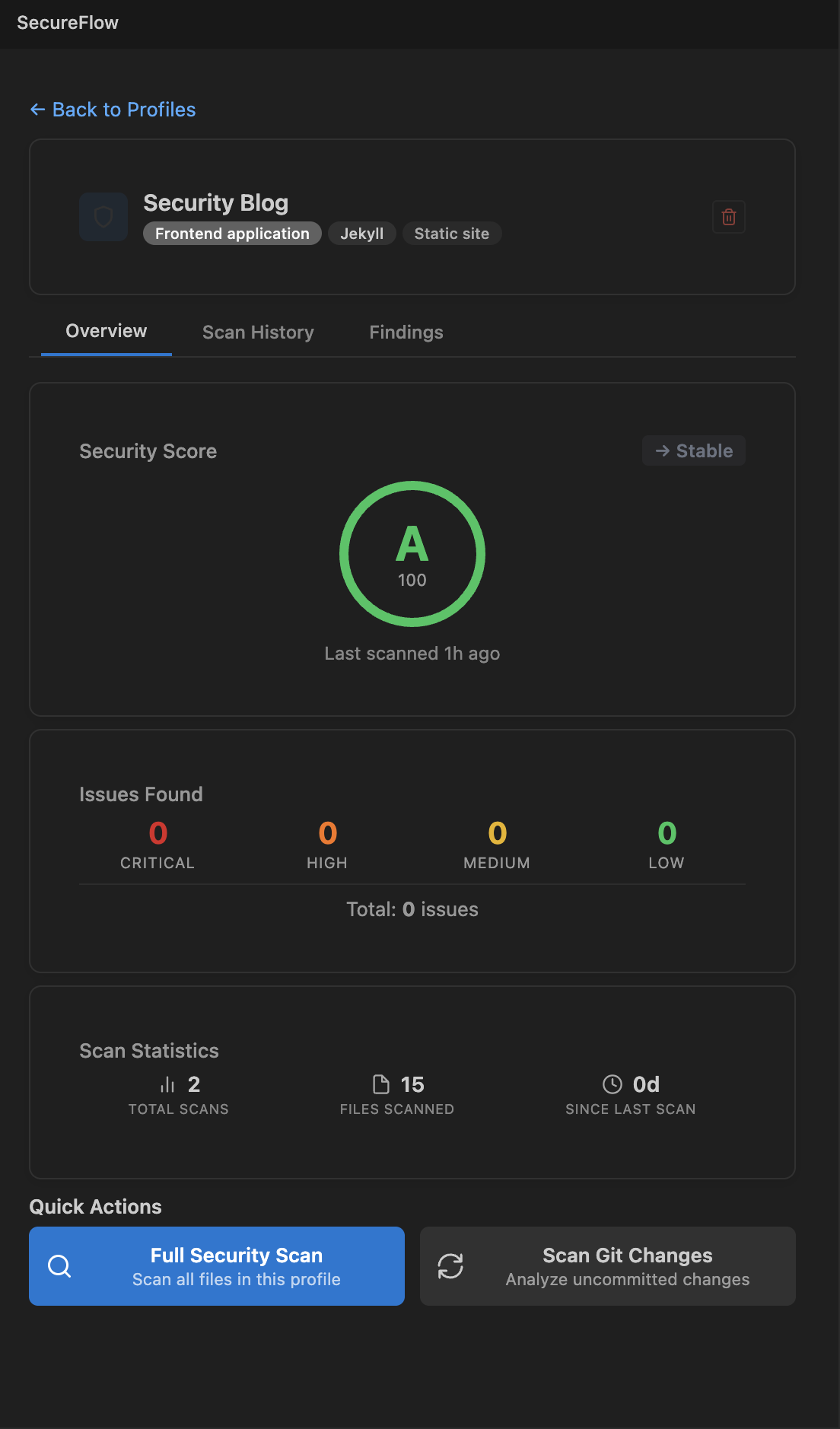
The UI Got Faster (Thanks Svelte!)
I also rewrote the entire webview UI with Svelte. The old vanilla JS setup was... fine, but VS Code webviews are notoriously slow for rendering and don't properly handle state management when you switch between extensions. Svelte's component model and reactivity solved both problems.
The difference is noticeable:
- Settings page loads instantly
- Model selection feels snappy
- Overall bundle size dropped significantly
Plus, the new UI is cleaner. I removed all the debug noise, streamlined notifications, and added helpful hints throughout.
Latest Models Support
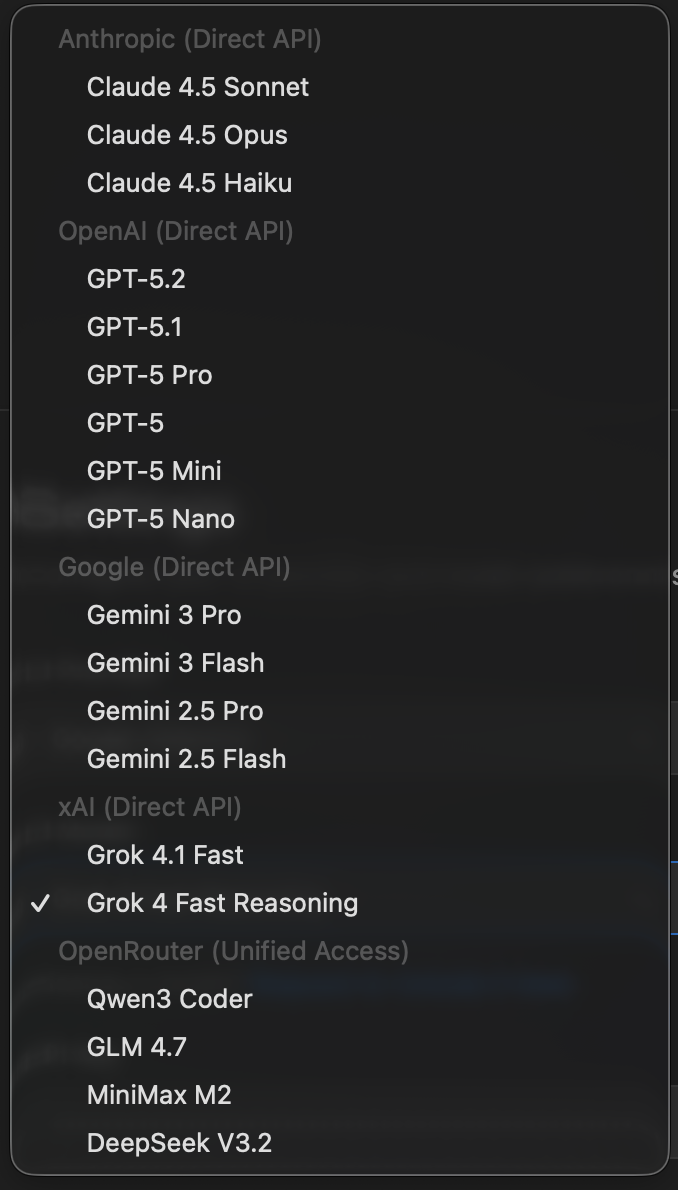
Since we're talking about models, SecureFlow now supports the newest ones:
- GPT-5.2: OpenAI's latest with 400K context
- Gemini 3 Pro & Flash: Google's thinking-capable models with 1M context
- Grok 4.1 Fast: xAI's model with massive 2M context
- MiniMax M2: Compact but powerful for coding tasks
- DeepSeek V3.2: Strong reasoning at a fraction of the cost
And yeah, we kept Claude 4.5 Sonnet, still my go-to for most security analysis work.
How to Get Started with OpenRouter
- Grab an API key from openrouter.ai/settings/keys
- Open SecureFlow Settings in VS Code
- Select "OpenRouter" as your provider
- Paste your key
- Pick any model from the dropdown or enter a custom model ID
That's it. You now have access to every major AI model for security analysis.
What's Next?
I'm improving context window usage with Claude Code style optimizations for full security scans. This should significantly reduce token usage in future releases. But for now, the OpenRouter support should give you a lot more flexibility in how you analyze code.
If you're using SecureFlow, let me know which models work best for your security workflows. I'm curious to see what combinations people find effective.
Grab it from the VS Code Marketplace, Open VSX, or check out the source on GitHub.